Start with the right context.
Check the patient, encounter and branch match, then select the workspace for the consultation.

FROM CONVERSATION TO CLINICAL NOTE
A workspace that turns the natural flow of conversation into editable clinical notes. With your judgement at every step.
A MORE NATURAL WORKING RHYTHM
Listening to a patient, understanding the context and taking notes are parts of the same consultation. OneNotes is being developed to bring them together in one clinical documentation workflow.
From audio to structured notes, from suggestions to discharge-summary drafts: an experience you can edit, review and complete with your own judgement.
Explore the workflow ↗A SMALL EXAMPLE. A COMPLETE WORKFLOW.
Explore the move from conversation to draft with a prepared example. This demo does not record audio or send data to an AI service.
“My throat has been sore for three days.
Especially in the mornings…”
From the conversation into clinical sections.
No microphone access or patient information needed.
Start the example to see how one conversation is organised into different sections.
THE PLANNED WORKFLOW
The workflow from patient card to examination form is undergoing end-to-end validation in a controlled pilot.
Check the patient, encounter and branch match, then select the workspace for the consultation.
After the required information and consent process, record the consultation or create a voice note.
Review the clinical note, suggestions and discharge-summary draft prepared through RAI AI transcription and analysis.
Edit the text, verify the patient context again and prepare it for transfer to supported form fields.
THE CLINICAL DECISION IS YOURS
AI output is a starting point for assessment.
Diagnosis, treatment and record approval remain the healthcare professional’s responsibility.
FROM SEPARATE SCREENS TO A SHARED WORKFLOW
OneNotes aims to bring clinical notes into your existing workflow without losing their context. Web, mobile and Chrome experiences are being developed around the same clinician-reviewed process.
Initial validation covers the Göztepe test examination form. The aim is to populate fields after clinician review; automatic saving, signing, medication orders and test requests are outside this workflow.
Pilot access is for authorised users. Service availability depends on completion of setup.
Controlled pilot · Integration validation in progress
IN STEP WITH YOUR DAY
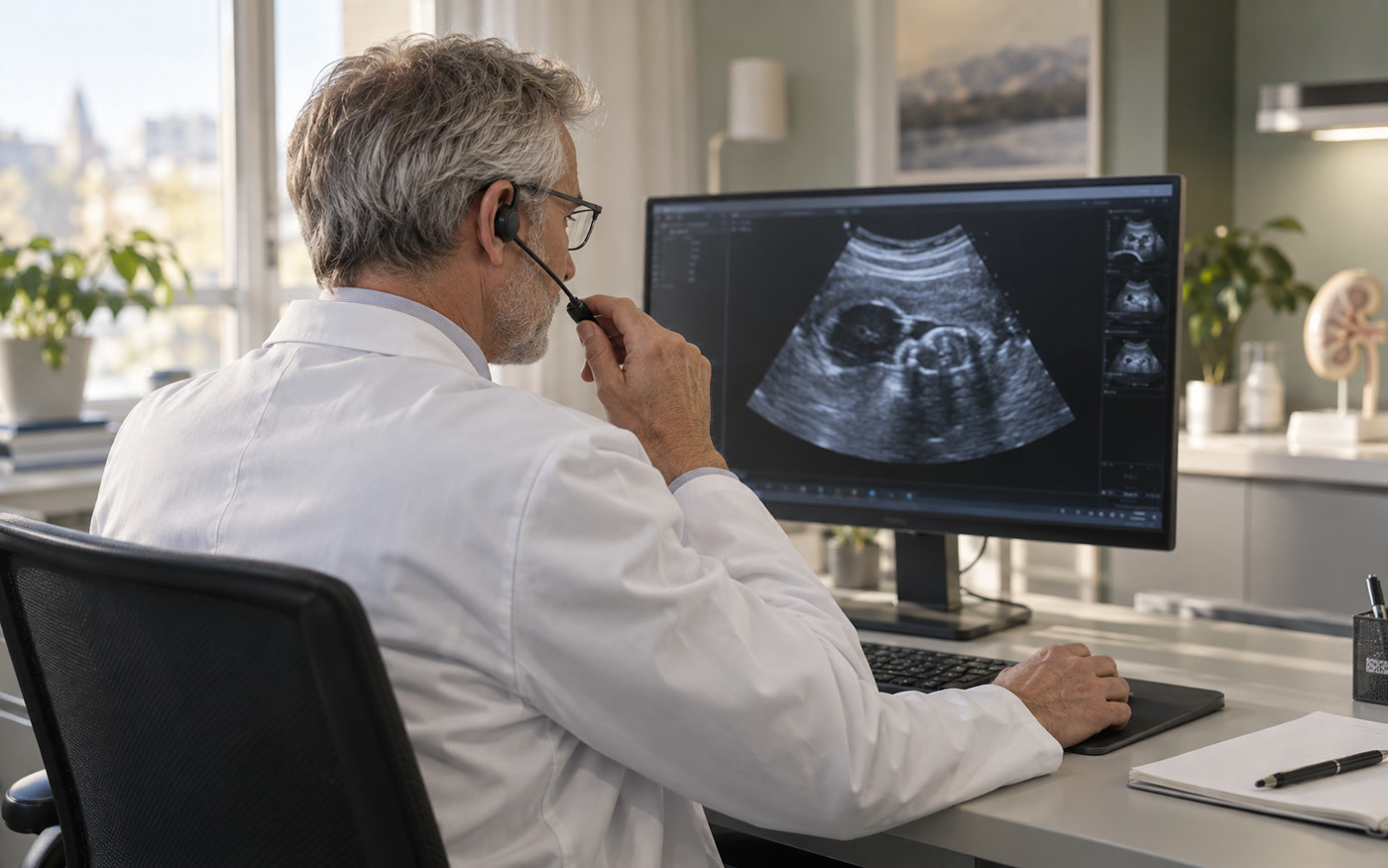
So a note that starts in the examination room can retain its context throughout your working day.
Platform access is offered within controlled testing.
CLEAR BOUNDARIES. INFORMED USE.
Preserving organisation, branch and user permissions, and verifying the patient and encounter match before transfer, are essential pilot acceptance criteria.
Notes sends transcription and analysis requests through the RAI AI layer. Providers and data processing conditions are reviewed during institutional setup.
Retention periods, recording permissions and operating conditions are agreed with the organisation. Completing a test workflow alone does not establish acceptance for clinical use.
FREQUENTLY ASKED QUESTIONS
About the product, pilot scope and way of working.
OneNotes is in a controlled pilot. Joint validation of recording, analysis, clinical drafts and COMED transfer is ongoing. It is not offered as a generally available service.
No. The demo only displays prepared fictional text. It does not access your microphone, collect patient information or send requests to an AI service.
In the intended workflow, a clinician reviews the text first. The COMED test scope is limited to filling form fields. Automatic saving, signing and ordering are not included.
We first review your clinical workflow and integration needs together. Once permissions and processing conditions are clear, the pilot scope is defined in a test environment.
No OneNotes subscription is offered for sale on this page. Pilot and institutional scope are assessed according to needs. Use the contact link below for more information.
LET’S DESIGN IT TOGETHER
Let’s understand your workflow, review integration requirements and define a pilot that fits your organisation.
Arrange a conversation ↗